
Introduction
In the world of web development and data interchange, JSON (JavaScript Object Notation) has become a fundamental format for data exchange. However, as JSON data can often be complex and difficult to read, having a reliable JSON viewer is essential for developers and data analysts alike. In this blog post, we will explore the significance of JSON viewers, how they work, and highlight some of the best tools available to enhance your data handling skills.
What is JSON?
JSON, which stands for JavaScript Object Notation, is a lightweight data interchange format that is easy for humans to read and write and easy for machines to parse and generate. It is language-independent but utilizes conventions that are familiar to programmers of the C family of languages, making it an ideal choice for data exchange.
The Structure of JSON
JSON data is composed of key-value pairs and arrays. The structure is simple yet powerful:
- Objects: Enclosed within curly braces (
{}), containing key-value pairs. - Arrays: Enclosed within square brackets (
[]), containing ordered lists of values. - Values: Can be strings, numbers, booleans, null, objects, or arrays.
Why Use a JSON Viewer?
A JSON viewer is an essential tool for anyone working with JSON data. Here are some reasons why:
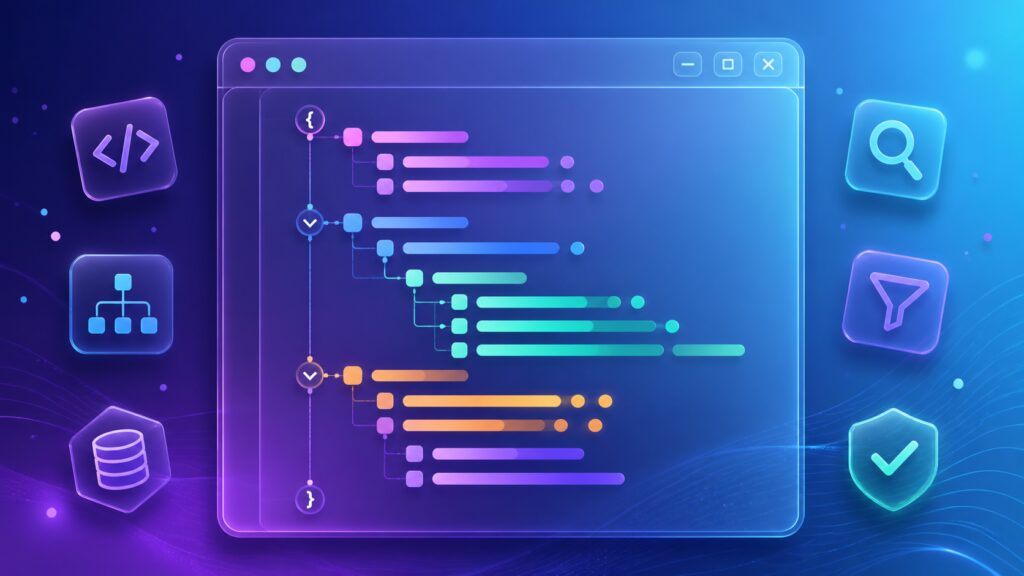
- Improves Readability: JSON data can be nested and complex. A viewer formats the data to make it easier to read, often with color coding and indentation.
- Data Validation: Many JSON viewers validate the syntax of your JSON, helping you catch errors before they become a problem.
- Search and Navigation: Viewers allow you to search through large amounts of JSON data quickly, making it much easier to find specific information.
- Editing Capabilities: Some advanced JSON viewers allow you to edit JSON data directly and save the changes, streamlining the workflow.
Top JSON Viewers to Enhance Your Workflow
Below are some excellent JSON viewers that can improve your data handling capabilities:
- JSONLint: A popular online JSON validator that also provides formatting options, making it easy to check for errors and read your data.
- JSON Editor Online: This tool offers a web-based editor that allows for both viewing and editing of JSON data, featuring a tree view for easier data navigation.
- Postman: Not only a powerful API testing tool, but Postman also has built-in JSON viewing capabilities, making it easier to work with API responses.
- Visual Studio Code: This versatile code editor has extensions that allow for great JSON formatting and validation, making it ideal for developers.
How to Use a JSON Viewer
Using a JSON viewer is straightforward:
- Copy your JSON data: Ensure that your JSON is correctly formatted and copy it to your clipboard.
- Paste into the viewer: Open your chosen JSON viewer and paste the data into the provided input area.
- Analyze the output: Review the structured output, which will highlight any errors and allow you to view or edit the data as needed.
Best Practices When Working with JSON
- Keep it Simple: Avoid overly complex structures. Simplicity enhances readability and ease of use.
- Use Consistent Formatting: Stick to a consistent style for keys and values (e.g., camelCase or snake_case).
- Validate Regularly: Use a JSON viewer to validate your data frequently, especially before deployment.
Conclusion
In summary, a JSON viewer is an indispensable tool for anyone who frequently deals with JSON data. It enhances readability, ensures data integrity, and simplifies navigation. By utilizing the right JSON viewers, you can significantly improve your workflow and efficiency when handling complex data structures.
FAQ
What is the primary purpose of a JSON viewer?
The primary purpose of a JSON viewer is to enhance the readability of JSON data, validate its structure, and provide tools for editing and navigating through JSON files.
Can I use a JSON viewer for large datasets?
Yes, many JSON viewers are designed to handle large datasets efficiently, often providing search and filtering options to make navigation easier.
Are there any free JSON viewers available?
Absolutely! There are numerous free JSON viewers available online, such as JSONLint and JSON Editor Online, which provide robust features for data handling.
How do I fix errors in my JSON data?
Using a JSON viewer, you can identify syntax errors easily. After correcting the errors indicated by the viewer, you can validate your JSON again to ensure it is error-free.


